November 5, 2026
10 Best Automation Platforms in 2026: Compared by Use Case
A practical comparison of ten automation platforms for 2026, from no-code app automation and self-hosted workflows to enterprise integration, RPA, and developer-focused backend automation.
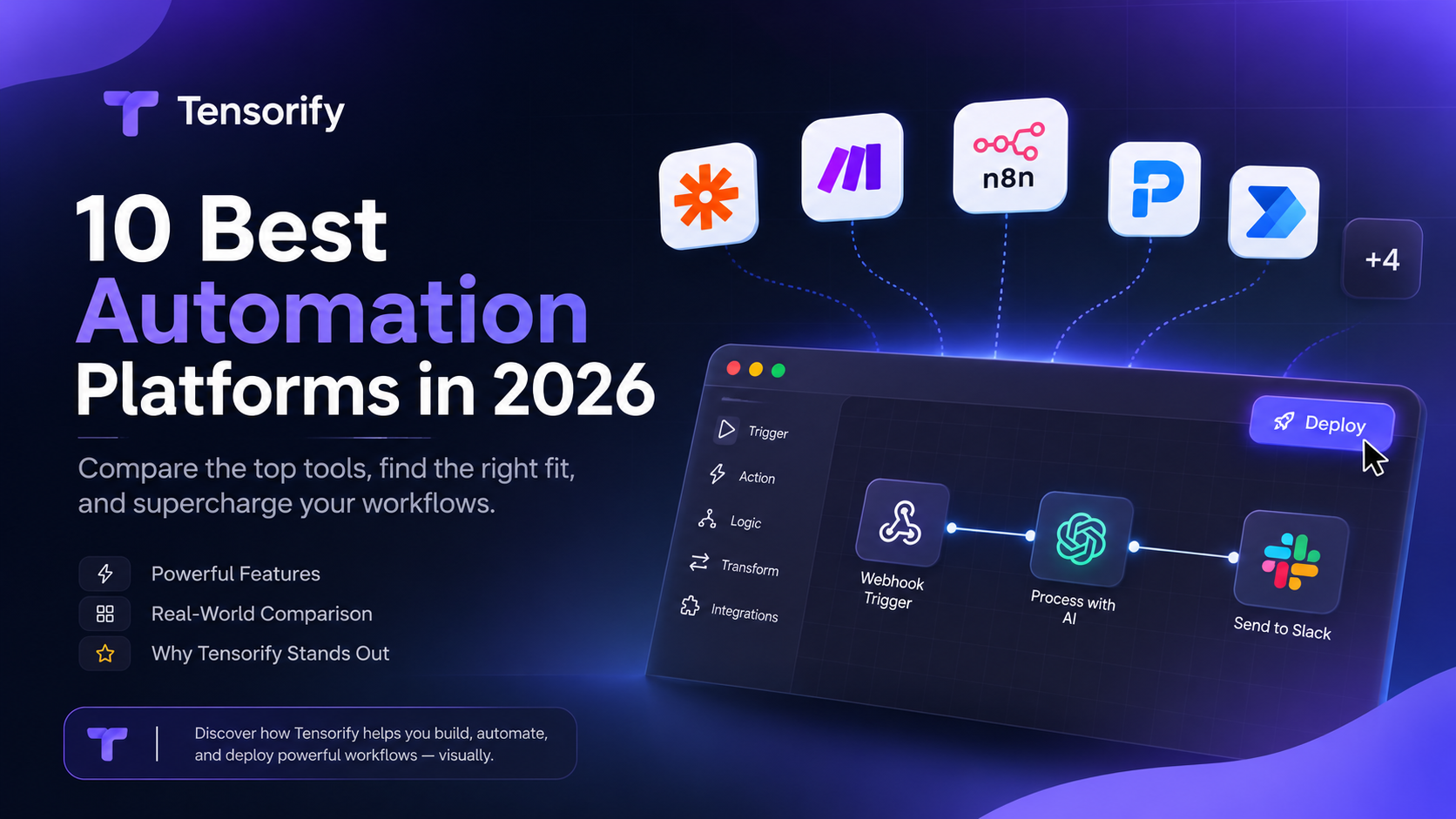
Choose an automation platform by the system you need to build, not by the size of its integration catalogue.
The best automation platforms in 2026
The best automation platform depends on what you are trying to automate. Connecting a form to a CRM is a different problem from running a self-hosted event processor, building an internal API, coordinating enterprise systems, or giving an AI agent permission to perform business actions.
This guide compares ten platforms by the work they are good at. More importantly, it gives you a practical way to decide what to try: start with a representative workflow, identify who will own it, and test the execution model before committing.
This is a product-capability comparison, not a controlled benchmark. Vendor features and pricing change, so use the official links in each section to verify current plan limits, licensing and availability before buying.
Quick comparison
| Platform | Best fit | Try it when you need to… | Main trade-off |
|---|---|---|---|
| Zapier | Business teams | Connect popular SaaS apps with minimal setup | Task-based usage and limited runtime control |
| Make | Operations and automation builders | Visually route data through complex scenarios | Credit consumption and scenario complexity need planning |
| n8n | Technical teams | Build flexible node workflows and operate them yourself | You own hosting, upgrades, backups and security |
| Activepieces | Open-source-oriented teams | Build visual automations with cloud or on-premises options | Feature and governance entitlements vary by plan |
| Pipedream | API-focused developers | Connect APIs with managed auth and code steps | Production usage and external-user pricing need modelling |
| Power Automate | Microsoft-centric organizations | Automate Microsoft 365 processes and desktop tasks | Licensing and premium connector complexity |
| Workato | Enterprise integration teams | Coordinate governed business processes across systems | Sales-led enterprise implementation |
| Boomi | Hybrid enterprise environments | Connect cloud, on-premises apps, APIs and data | Broad platform can be excessive for small workflows |
| UiPath | RPA and process automation | Automate desktop interfaces, documents and human workflows | More platform than a typical app-to-app automation needs |
| Tensorify | Developers building backend workflows | Turn visual logic into Python-backed APIs, webhooks and agent tools | Developer-oriented; not a broad, non-technical iPaaS or RPA suite |
How to choose: begin with the job
Before comparing features, write down the actual outcome you need.
- Move information between SaaS apps: start with Zapier, Make, n8n or Activepieces.
- Route and transform complex data visually: compare Make and n8n.
- Call APIs and write custom integration logic: evaluate Pipedream and developer-oriented workflow tools.
- Build an endpoint or webhook handler that your own application depends on: evaluate a backend workflow builder such as Tensorify.
- Give an AI agent a reliable action it can call: compare the platforms' agent and MCP models, not just their AI marketing features.
- Automate legacy desktop software: look at Power Automate or UiPath.
- Integrate critical enterprise systems with central governance: evaluate Workato and Boomi.
A useful test is to take one real process and draw its full lifecycle: trigger, input validation, business logic, external calls, data writes, response, and failure handling. Then build that same process in the two or three platforms that fit your operating model.
1. Zapier: best for getting common app automations running quickly
Zapier is a strong choice when the problem is straightforward and the applications are already supported. A sales operations user can create a flow such as:
New form response → create CRM lead → notify the sales channel → send confirmation email.
The value is speed and breadth. A non-developer can often own the workflow without operating infrastructure or writing an integration service.
Try Zapier if: your process mostly connects popular SaaS products, the available actions cover your requirements, and the people maintaining it are not developers.
Test before committing: build a workflow with your highest-volume trigger and count every task it consumes. Check how the platform handles duplicate events, failed actions and replay. Do not estimate cost from the number of workflows alone.
Look elsewhere if: the process needs substantial custom backend logic, a customer-facing API, or control over where code executes.
Official links: Zapier pricing · Zapier MCP
2. Make: best for visual branching and data routing
Make is useful when a workflow is more than a straight line. For example:
New order → inspect order value → route high-value orders to a human → check stock for standard orders → update the customer.
Routers, filters and transformations make the paths visible. That is valuable for operations teams that need to understand how records move through a process.
Try Make if: the visual structure is central to the work and your team wants to inspect branches without reading code.
Test before committing: run a realistic batch, including branches that do not execute, and measure credit consumption. A workflow with many module operations can consume credits differently from what its run count suggests.
Look elsewhere if: you need to package the workflow as a backend API or own the execution runtime.
Official links: Make pricing · Make documentation
3. n8n: best for technical teams that want a flexible workflow engine
n8n is a natural candidate when engineers want a node-based editor, code steps, HTTP requests and the option to self-host. It can handle a broad range of app automation and AI workflow tasks.
A useful evaluation workflow is:
GitHub event → inspect repository and branch → call an internal API → branch on the result → notify Slack.
This tests real payload handling and custom logic rather than a toy two-node demo.
Try n8n if: your team is comfortable operating a Node.js service and wants a flexible automation environment with a substantial ecosystem.
Test before committing: include upgrades, backups, secrets, monitoring, queue behaviour and recovery in your evaluation. Self-hosting transfers operational responsibility to your team; it does not remove it.
Look elsewhere if: you want a managed experience with minimal infrastructure work, or the thing you are building is better understood as a deployable backend service than an automation running inside a workflow platform.
Official links: n8n pricing · n8n documentation
4. Activepieces: best for teams interested in open-source-oriented automation
Activepieces combines a visual flow builder with an open-source-oriented ecosystem and cloud or on-premises deployment options. It is worth evaluating if you want app automation without committing immediately to a purely managed platform.
Try it if: you want a visual automation experience and deployment flexibility, and its current pieces cover the integrations you need.
Test before committing: check the license and exact plan entitlements for your intended deployment. Self-hosting availability does not mean every team, governance or enterprise feature is included in every edition.
Official links: Activepieces pricing · Activepieces documentation
5. Pipedream: best for developers connecting APIs
Pipedream is a good fit when the workflow is fundamentally an API integration. Managed authentication and connectors reduce setup work, while code steps let developers manipulate requests and responses directly.
Try it if: you are building integrations, event-driven API workflows or developer-facing automation and are comfortable writing code.
Test before committing: model production usage, external users and the cost of the services your workflow calls. A developer-friendly free testing experience is not the same as predictable production economics.
Official links: Pipedream pricing · Pipedream documentation
6. Microsoft Power Automate: best for Microsoft-centric organizations
Power Automate is especially relevant when a company already works across Microsoft 365, Teams, SharePoint and Dynamics. Cloud flows coordinate services; desktop flows can automate applications that do not expose a suitable API.
Try it if: the process crosses Microsoft services or includes repetitive work in desktop software.
Test before committing: identify premium connectors, attended versus unattended RPA requirements, environments and governance needs. These can materially change licensing.
Official links: Power Automate documentation · Licensing guidance
7. Workato: best for enterprise integration and governed orchestration
Workato targets organizations coordinating applications and business processes across departments. Its value is not simply connecting two apps; it is providing an integration and automation environment that can be administered at enterprise scale.
Try it if: integration is business-critical, spans many enterprise systems, and requires centralized governance and support.
Look elsewhere if: you are a small team automating a handful of APIs and do not need enterprise procurement or implementation.
Official links: Workato platform · Workato documentation
8. Boomi: best for hybrid enterprise integration
Boomi is designed for organizations connecting applications, APIs and data across cloud and on-premises environments. It is relevant when the problem is an integration estate, not a few isolated automations.
Try it if: you need to coordinate legacy and modern systems, manage APIs and data movement, and operate integrations under enterprise requirements.
Look elsewhere if: you need a lightweight developer workflow or a few simple SaaS automations.
Official links: Boomi integration · Boomi platform
9. UiPath: best for RPA and complex business processes
UiPath is a different category from a typical webhook automation tool. It combines software robots, process orchestration, document-related capabilities, people and newer agentic automation features.
Try it if: the process includes desktop interfaces, legacy applications, documents, human hand-offs or large-scale process orchestration.
Look elsewhere if: every system already has a usable API and your requirement is simply to move events between services.
Official links: UiPath platform · Agentic automation
10. Tensorify: best when the automation should become part of your backend
Tensorify is worth evaluating when you are a developer and the outcome is more than a sequence of app actions. You might need a webhook handler, an internal API, a custom integration service, an AI endpoint, or a tool an external agent can call.
The important distinction is the execution model: you design a graph of nodes, Tensorify compiles it into Python, and you can test and run it through a local CLI runner or managed cloud execution. The canvas is the authoring interface; the resulting workflow is executable backend logic.
What you can actually build
Example A: A Stripe payment webhook that updates your own system
A SaaS developer wants to react to successful payments without maintaining a separate webhook microservice.
Webhook Trigger (Stripe)
    → Transform payment/customer fields
    → If payment is valid
        → PostgreSQL Insert/Update
        → Slack notification
        → Return / acknowledge
Configure the webhook trigger for Stripe signature verification, map only the fields your application needs, write the event to your database, and notify the team. Add idempotency handling in your own logic before using this for real payments; do not assume a visual flow automatically prevents duplicate business actions.
Example B: A small internal API without scaffolding another service
A product team needs an endpoint that looks up a customer record and returns a tailored response.
API Trigger (GET /customers)
    → PostgreSQL Find
    → Transform response
    → Return JSON
The API Trigger can accept HTTP methods and authentication settings. A Return node sends the workflow result back to the caller. You can add validation, branching and Code nodes when the data rules become more involved.
Example C: Turn an internal operation into an AI-agent tool
An engineering team wants an agent to look up deployment status or create a structured support ticket, but does not want the agent to have unrestricted access to internal systems.
MCP Trigger
    → Validate tool arguments
    → Call internal API / query database
    → Format result
    → Return
Give the MCP Trigger a clear tool name, description and JSON Schema. Deploy the workflow, then connect an MCP-compatible client to Tensorify's Trigger Server. The agent sees a defined tool with typed inputs instead of a vague instruction to “use the backend.”
How to try Tensorify on a real task
- Create a workflow in app.tensorify.io.
- Choose the trigger that matches the entry point: Webhook for external events, API Trigger for an endpoint, or MCP Trigger for an agent-callable tool.
- Add the minimum nodes needed for validation, branching, transformation, database work or HTTP calls.
- Test with a representative payload and inspect the output of each node.
- Deploy using Managed execution if you want Tensorify to run it, or use the CLI runner when execution needs access to your own machine, local files, databases or private services.
- If the workflow is business-critical, test invalid input, duplicate events, unavailable dependencies and credential failures before relying on it.
Start here: Quick Start · Build a REST API · Webhook automation · Expose a workflow as an MCP tool.
Who should evaluate Tensorify?
- Solo developers and indie hackers who need a small API or webhook backend without starting another framework project.
- Small engineering teams replacing scattered scripts with workflows that can be inspected, tested and deployed.
- AI application developers who need to expose controlled backend actions to an agent through MCP.
- Teams with private infrastructure that want workflow execution near local files, databases or services.
Tensorify is not the obvious choice for every automation. If a non-technical operator needs thousands of prebuilt app actions, start with Zapier or Make. If your priority is a mature, broadly adopted self-hosted automation server, evaluate n8n. If you need enterprise RPA or iPaaS governance, compare the specialist platforms above.
Tensorify's fit is narrower and more specific: a developer wants to build backend behaviour visually, keep Python in the implementation, and expose the result through an endpoint, webhook or MCP tool.
A practical selection exercise
Take one workflow you expect to run every week. Write down:
- The trigger and the real input payload.
- The decisions and transformations required.
- Every external API or database it touches.
- What should happen when a step fails or runs twice.
- Who will maintain it and where it must execute.
- How the cost changes at ten times the expected volume.
Build a small version in the strongest two candidates. Measure the time to get a correct result, the effort to debug it, and the work required to operate it. That will tell you more than a feature checklist.
Final recommendation
Zapier and Make are strong choices for accessible app automation. n8n and Activepieces suit teams that want more technical flexibility and deployment control. Pipedream is relevant for API-heavy development. Power Automate, Workato, Boomi and UiPath address distinct enterprise and RPA requirements.
Evaluate Tensorify when your “automation” is really a backend capability: an API, webhook processor, custom integration or agent-callable operation. Choose the platform that matches the system you need to own after the demo is over.
Sources
- Zapier pricing · Zapier MCP
- Make pricing · Make help centre
- n8n pricing · n8n documentation
- Activepieces pricing · Activepieces documentation
- Pipedream pricing · Pipedream documentation
- Power Automate documentation · Licensing
- Workato platform · Workato documentation
- Boomi platform
- UiPath platform
- Tensorify Quick Start · Tensorify use cases
Editorial note: This is a capability-based comparison, not a controlled benchmark. Pricing and vendor entitlements should be checked directly before purchase. Tensorify examples describe build patterns; adapt authentication, validation, idempotency and failure handling to your production requirements.