November 5, 2026
Zapier vs Make vs n8n: Which Automation Tool Should You Choose in 2026?
Zapier, Make, and n8n solve overlapping but different automation problems. This guide compares their workflow models, pricing, control, and ideal users.
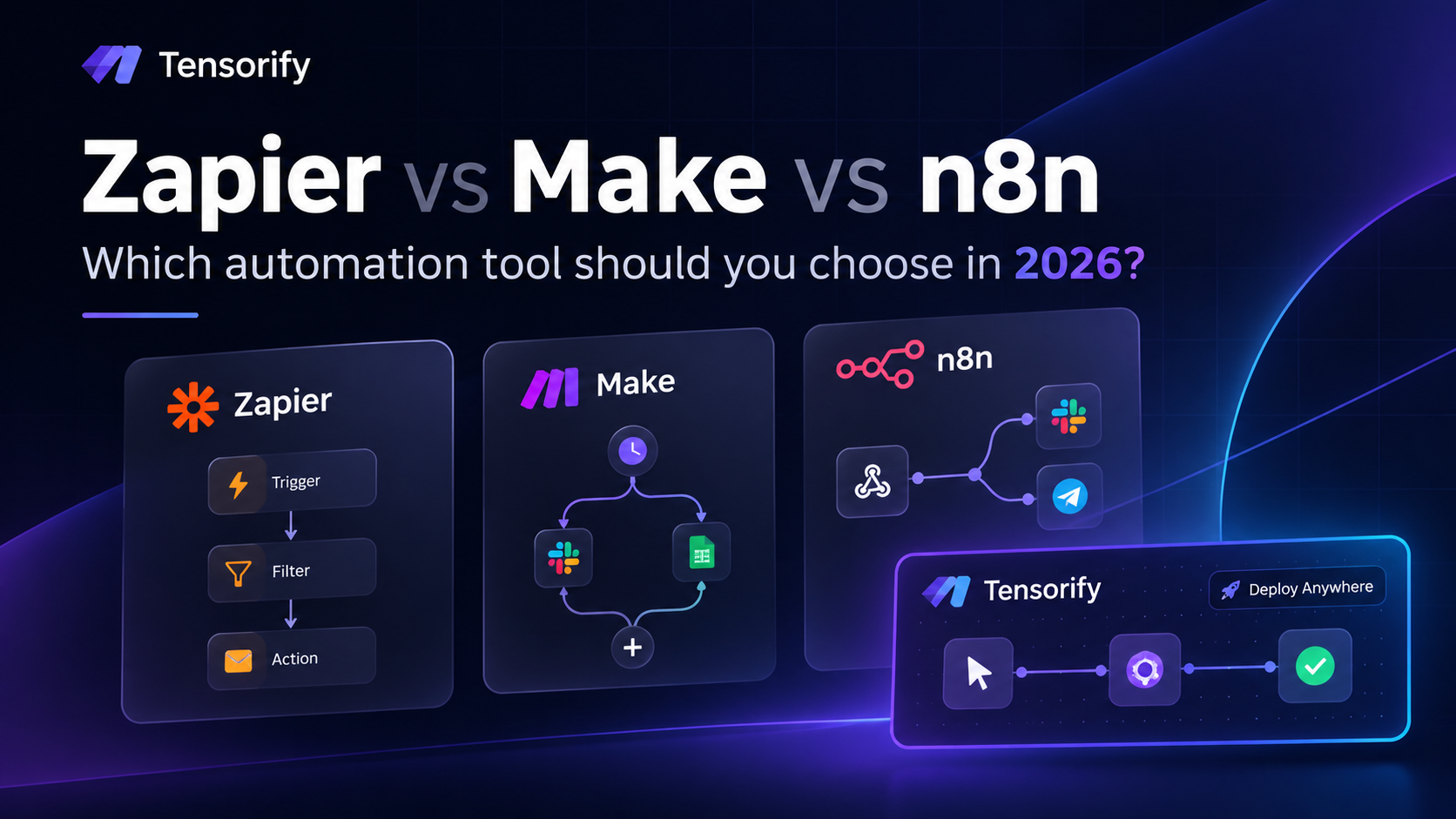
Zapier optimizes for accessible app connections, Make for visual scenarios, n8n for technical workflow control, and Tensorify for Python-backed backend workflows.
Zapier vs Make vs n8n: which automation tool should you choose?
Zapier, Make and n8n can all connect applications and automate multi-step work. The practical difference is who builds the workflow, how much custom logic it needs, and who is responsible for running it.
- Zapier is usually the fastest way for a business user to connect common SaaS apps.
- Make is compelling when a process has visible branches, routers and data transformations.
- n8n is attractive to technical teams that want code-level flexibility and the option to self-host.
- Tensorify belongs in a related but different evaluation: when the thing you are building should become a backend API, webhook handler or MCP tool, with Python as the executable implementation.
This is not a claim that one platform wins every category. The useful way to compare them is to build the same realistic process and see where each model starts to fit or fight your requirements.
At a glance
| Dimension | Zapier | Make | n8n | Tensorify |
|---|---|---|---|---|
| Core model | Trigger/action automations | Visual scenarios and modules | Node-based workflows | Visual backend workflows compiled to Python |
| Typical owner | Business or operations user | Automation builder / operations | Developer or technical operator | Developer / engineering team |
| Custom logic | Platform steps and code features | Filters, routers and code features | Expressions, nodes and code | Transform, branching, Python Code nodes |
| API/backend output | Integrations and platform APIs | Scenarios and platform APIs | Webhooks and workflow endpoints | REST API, webhook and MCP-triggered workflows |
| AI / MCP | AI features and Zapier MCP | AI features and Make MCP | AI nodes and MCP capabilities | AI Agent, MCP tools in agents, workflows exposed as MCP tools |
| Execution control | Managed by vendor | Managed by vendor | Cloud or self-hosted | Managed cloud or local CLI runner |
| Best reason to choose | Fast app-to-app automation | Visual data routing | Flexible automation server | Build and deploy backend behaviour |
The same problem, four different approaches
Imagine a small SaaS company wants to process a new customer payment:
- Receive the payment event.
- Validate and normalize the payload.
- Find or create the customer in its database.
- Send an internal notification.
- Make the result available to another service or an AI agent.
That example is intentionally more realistic than “when a row is added, send an email.” It tests the trigger, data mapping, custom logic, database access, deployment model and the shape of the final result.
Zapier: optimize for the fastest connection
A Zapier implementation might be:
Stripe: New Payment
    → Find/Create Customer in CRM
    → Send Slack Message
    → Send Confirmation Email
This is a good fit if the required Stripe and CRM actions exist and the process is mostly coordination between SaaS products. A business operator can own the automation without maintaining a service.
Where it becomes less comfortable is when the workflow needs a custom backend contract, complex validation, specialized database behaviour or execution close to private infrastructure. You can add code and developer features, but compare the resulting system with a purpose-built backend before making the workflow business-critical.
Choose Zapier when: reducing setup time for common SaaS integrations is the main objective.
Make: optimize for visible routing
A Make scenario might look like:
Stripe: New Payment
    → Normalize payment fields
    → Router
        ├── High-value payment → Slack alert + CRM update
        ├── Standard payment → CRM update
        └── Failed / incomplete data → Operations queue
Make's visual routing is useful when the business process has several paths and an operator needs to understand them at a glance. Filters and transformations are part of the scenario rather than hidden in a separate service.
The trade-off is that a workflow with many module operations needs credit planning. A visually compact scenario can still perform many billable operations.
Choose Make when: the process is primarily a visual operations workflow with meaningful branches and data movement.
n8n: optimize for technical flexibility and runtime ownership
An n8n workflow might be:
Stripe Trigger
    → Code / HTTP Request
    → PostgreSQL
    → IF
        ├── High-value → Slack
        └── Standard → CRM API
This gives a technical team a flexible node environment, code steps and the option to run the automation service on its own infrastructure. It is a strong candidate when engineers want to extend integrations and are prepared to maintain the service.
Self-hosting is an operational commitment. Include upgrades, backups, monitoring, access control, secrets, network exposure and incident response in the comparison.
Choose n8n when: your team wants a general-purpose technical workflow engine and can operate it.
Where Tensorify enters the comparison
There is a point where the payment automation stops being “connect Stripe to Slack” and becomes a backend component your product depends on.
For example, you might need to receive a signed payment event, validate it, apply your own business rules, write to PostgreSQL, call an internal service, and return a structured result. You may also want an AI agent to call a separate operation such as lookup_customer_entitlements.
That is the kind of job Tensorify is designed to make approachable for developers.
Tensorify uses a visual node graph as the authoring surface, compiles workflows into Python, and supports local CLI execution or managed cloud execution. Its trigger types let you expose the same workflow architecture through webhooks, HTTP endpoints or MCP tools.
Build 1: A payment webhook that updates your application
Who this is for: a solo developer or small SaaS engineering team that has a Stripe integration but does not want to maintain a separate webhook service for every internal action.
Workflow shape:
Webhook Trigger (Stripe)
    → Transform
    → Code (business validation / normalization)
    → PostgreSQL Find or Insert/Update
    → Slack Send Message
    → Acknowledge / Return
Example event: a Stripe payment succeeds. The incoming payload contains an event type, payment object, customer identifier, amount and currency.
The Transform node extracts the fields your application cares about. A Code node applies application-specific rules. PostgreSQL nodes store the result, and Slack sends an internal notification.
What the developer should configure:
- Use the Stripe provider preset on the Webhook Trigger and configure signature verification with the webhook secret.
- Map the event ID as well as the payment and customer IDs. Use the event ID to implement idempotency in your application logic so a provider retry cannot create duplicate business effects.
- Keep credentials in workspace connections or environment variables, not in node labels or hard-coded code.
- Choose the response mode deliberately. Acknowledge immediately for background processing; use a workflow response when the caller needs a result.
What to test: replay the same event twice, send an unexpected event type, remove a required field, and make the database unavailable. Verify the workflow's actual behaviour before connecting it to live payments.
Relevant guide: Webhook automation.
Build 2: Turn the same business logic into a REST endpoint
Who this is for: an indie hacker or product engineer who needs an internal endpoint but does not want to scaffold another Express or FastAPI service.
Workflow shape:
API Trigger (POST /entitlements/check)
    → Validate request
    → PostgreSQL Find (customer)
    → Switch (customer / plan state)
    → Transform response
    → Return JSON
Configure the API Trigger with the HTTP method, route and authentication strategy. The workflow looks up the customer, routes based on the result and returns a JSON response. You can add Code nodes for validation or business rules that are too specific for declarative transformations.
A client can call the deployed endpoint using ordinary HTTP. This is not merely an automation hidden behind a button; it is an API surface your application can integrate with.
What to test: missing customer IDs, unauthorized requests, unknown plans, database timeouts and the exact response shape your client expects.
Relevant guide: Build a CRUD API.
Build 3: Give an AI agent a narrow, useful backend tool
Who this is for: an AI application developer who wants an agent to perform one defined business operation without handing it broad database or infrastructure access.
Workflow shape:
MCP Trigger: lookup_customer_entitlements
    → Validate JSON Schema arguments
    → PostgreSQL Find
    → Transform to a concise result
    → Return
Configure the MCP Trigger with a descriptive tool name, a description that explains when to call it, and a JSON Schema for the accepted parameters. Deploy the workflow and connect an MCP client to Tensorify's Trigger Server.
An agent can then discover and call the tool with structured arguments. The workflow owns the operation and response format; the agent does not need direct access to your database credentials.
For example, a tool description might say:
Look up a customer's current plan and entitlement status.
Use this when answering questions about feature access.
Requires a customer_id. Returns plan, status and allowed features.
Keep the tool narrow. Validate the customer identifier, authorize the caller, avoid returning unnecessary personal data, and log important actions. MCP makes a workflow callable; it does not automatically make the workflow secure.
Relevant guide: Expose a workflow as an MCP tool.
What Tensorify is not
Tensorify should not be positioned as a universal replacement for Zapier, Make or n8n.
- If a non-developer needs to connect a large catalogue of popular SaaS applications with minimal setup, Zapier may be the better starting point.
- If an operations team primarily needs a visual scenario with many routers and filters, Make may be the better fit.
- If you want a mature, broadly adopted self-hosted automation server and are comfortable operating it, n8n deserves serious consideration.
- If you need an enterprise integration suite or desktop RPA, evaluate the platforms designed for those requirements.
Tensorify is most relevant when the workflow is part of your product's backend: custom logic, API behaviour, webhook processing, AI agent tools, or integrations that need to run close to your own services.
How to compare them fairly
Build the same small process in each finalist. Use a real payload and include:
- A trigger from the system you actually use.
- A data transformation and at least one conditional branch.
- A custom API call or database operation.
- A malformed-input case and a duplicate event.
- A credential rotation or expired-token test.
- A deployment and recovery test.
- A cost estimate at your expected monthly volume.
Then ask: who can maintain this six months from now? What happens when a dependency fails? Can you inspect why a particular record took a particular path? Does the platform produce the kind of system you need, or only the automation that connects two systems?
Final recommendation
Zapier, Make and n8n are not simply three price points for the same product. They reflect different priorities: accessibility, visual routing and technical control.
Consider Tensorify when your requirement moves beyond app-to-app automation and into backend engineering. If you want to design the workflow visually, keep Python as the executable implementation, deploy it as an API or webhook, or expose a carefully scoped action to an AI agent, it is worth building one real proof of concept.
Start with the Tensorify Quick Start, then try the REST API guide or MCP tool guide.
Official sources
- Zapier pricing · Zapier MCP
- Make pricing · Make help centre
- n8n pricing · n8n documentation
- Tensorify Quick Start
- Tensorify webhook automation
- Tensorify REST API guide
- Tensorify MCP Trigger guide
Research note: capabilities are summarized from vendor documentation, not a standardized hands-on benchmark. Pricing and plan entitlements change. The Tensorify workflows above are build patterns; implement and test your own authorization, validation, idempotency and failure handling.